Open LPBF Buildstylefor Autodesk Fusion

Open source · Laser powder bed fusion

Your build style. Open, readable, yours to change.

The Open LPBF Buildstyle turns parts in Autodesk Fusion into laser toolpaths for metal powder bed fusion. Every exposure strategy is plain JavaScript you can read, adapt and extend, from contours and hatching to multi-laser load balancing and power optimization.

Built to be understood

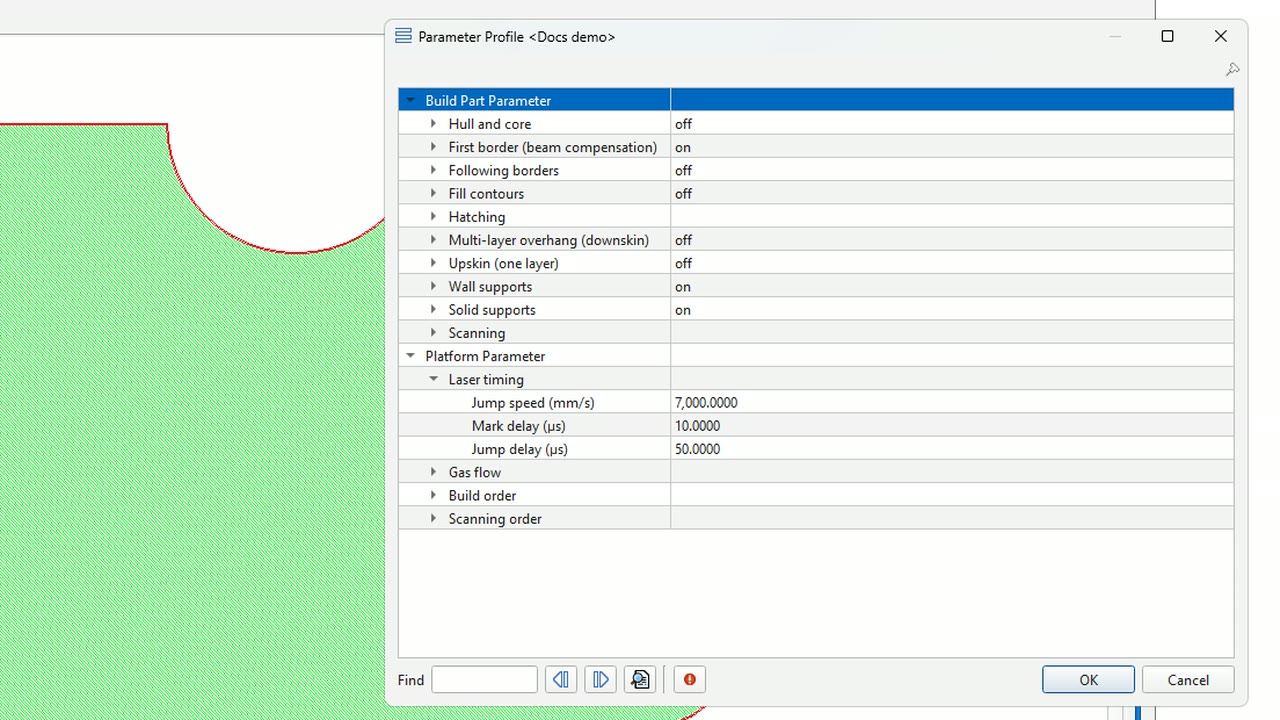
A build style decides how every layer is exposed, yet it is often a black box. This one is a starting point you own: open the code, see what every parameter does, and make the machine do what your process needs.

Open source

Every strategy is readable JavaScript in a Fusion project. Copy it, change it, ship it with your machine.

Explained feature by feature

A video in Advanced Toolpath Utility, an interactive model and a code walkthrough for each of the eighteen features.

Ready for real machines

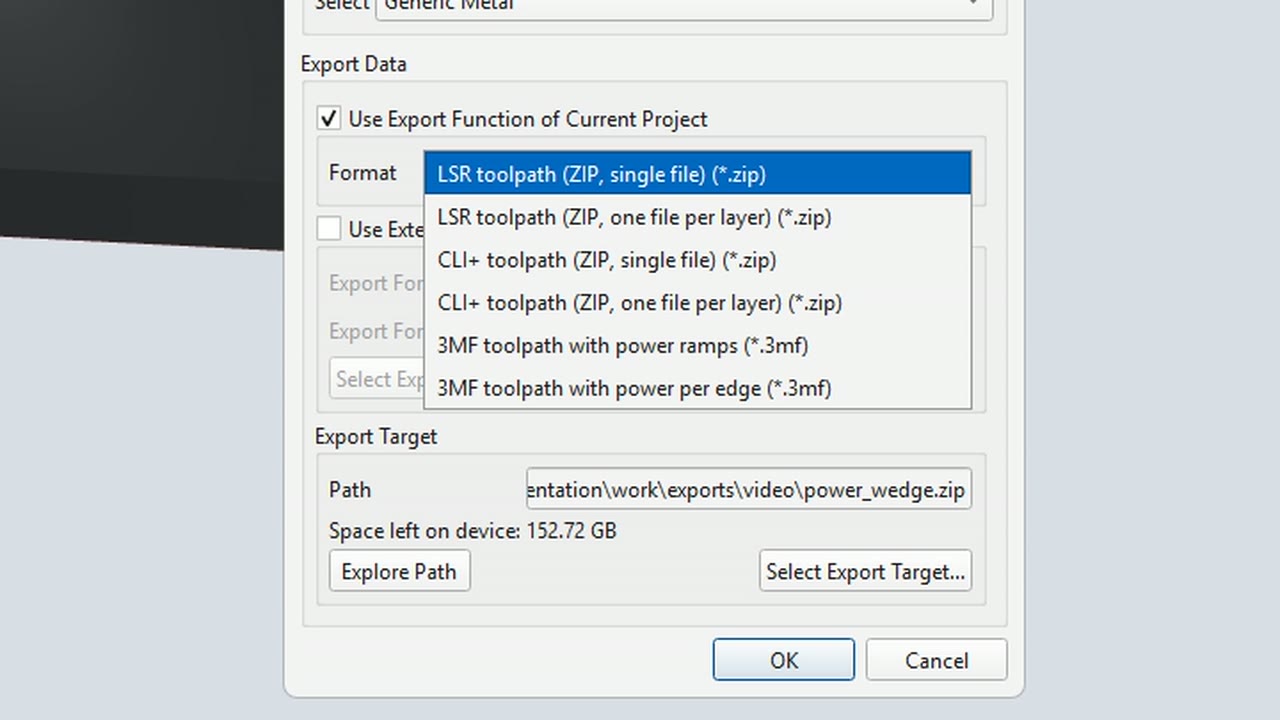
Multi-laser load balancing, gas flow aware ordering and LSR, CLI+ and 3MF toolpath exports.

Build with AI

Ask your coding assistant to explain or change a strategy, then check the result in ATU.

Power optimization

Less heat where the laser comes back too fast

Feature spotlight

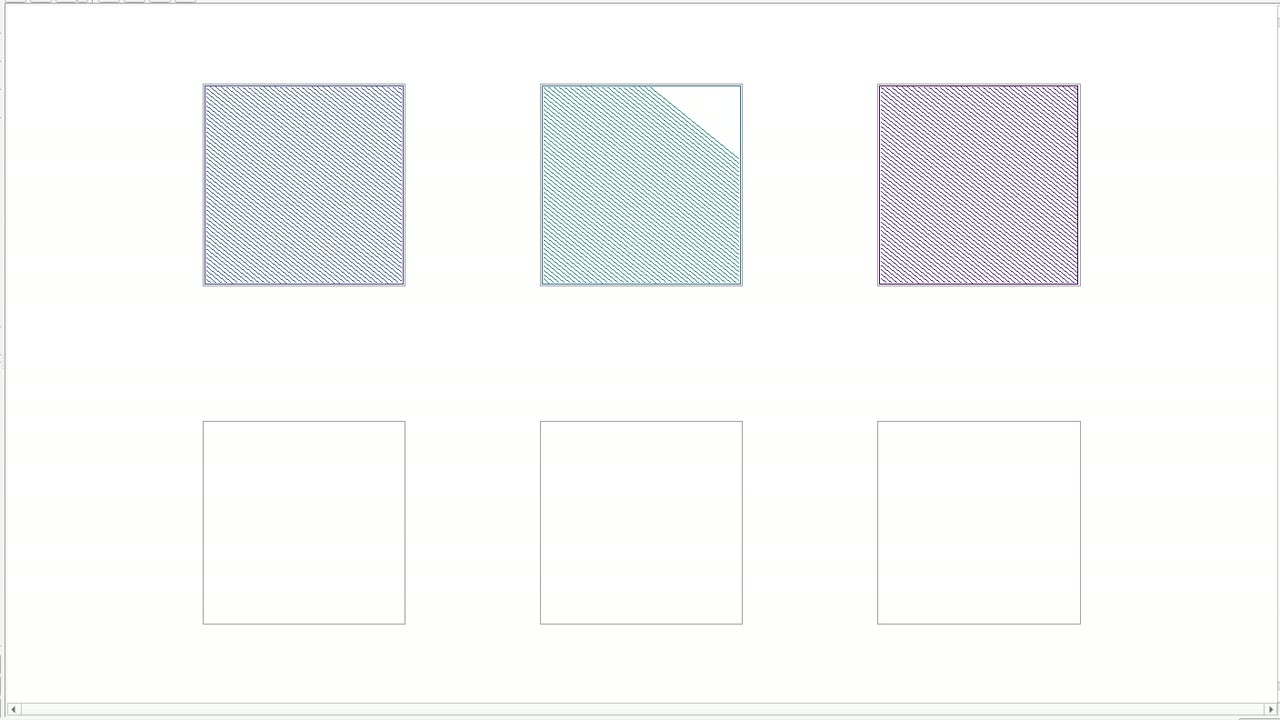
On a short hatch vector the laser returns to its last line after a fraction of a millisecond, while the metal is still hot. The power optimization gives every hatch vector its own power, computed from the time until the laser comes back.

  • Lower power on short vectors, full power on long ones
  • Optional segment splitting: the power changes along every line
  • Follows each laser's real timeline, also on multi-laser machines

Volumetric optimization

Laser power that knows what lies below the layer
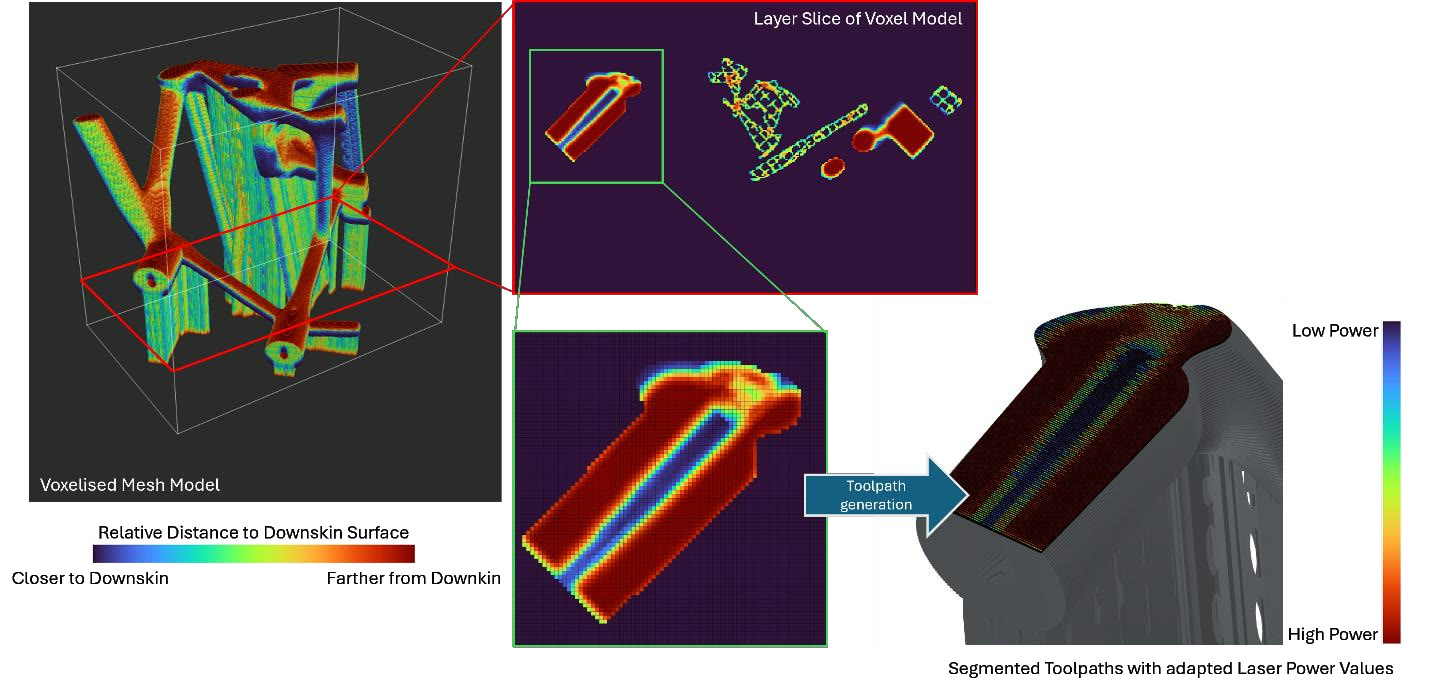
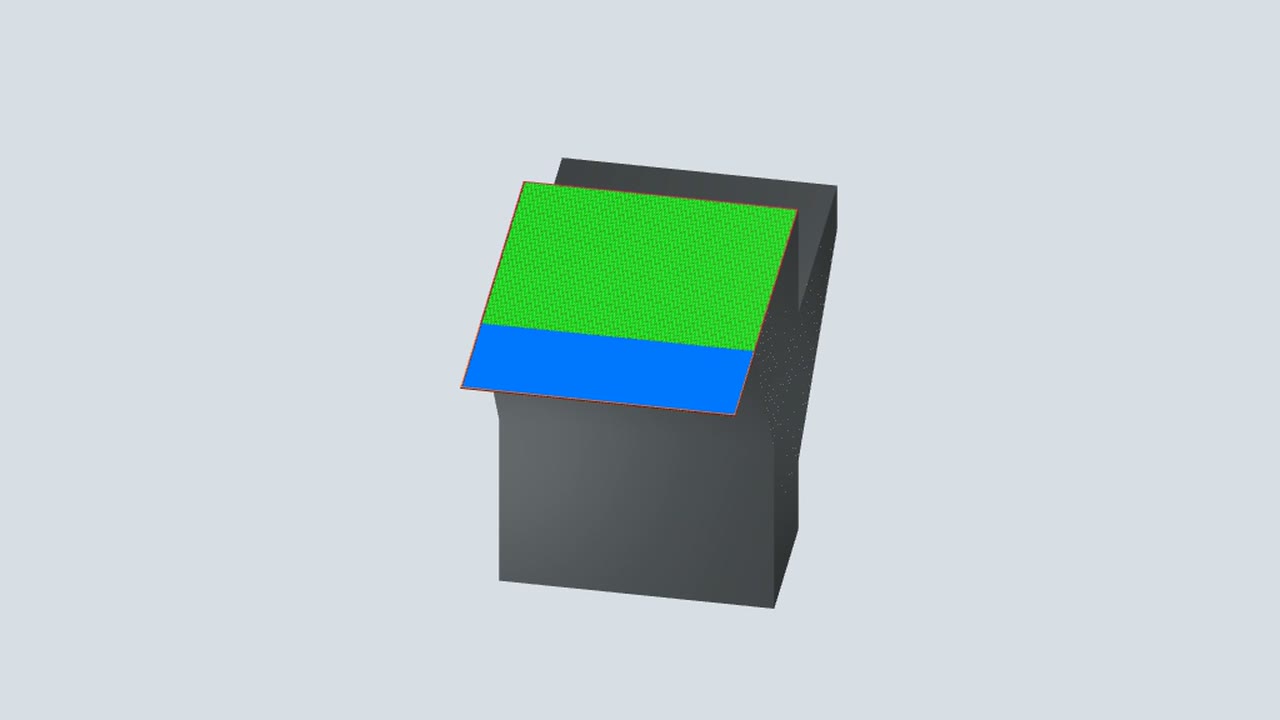
Close to a downskin surface there is less solid metal below the layer to carry the heat away. The voxel-based optimization turns the part into voxels, measures how far every voxel is from the closest downskin surface and lowers the laser power where the heat cannot escape.

  • A depth value for every voxel instead of one downskin area per layer
  • Continuous power along the vectors or automatic discrete zones
  • Works on top of the 2D power optimization
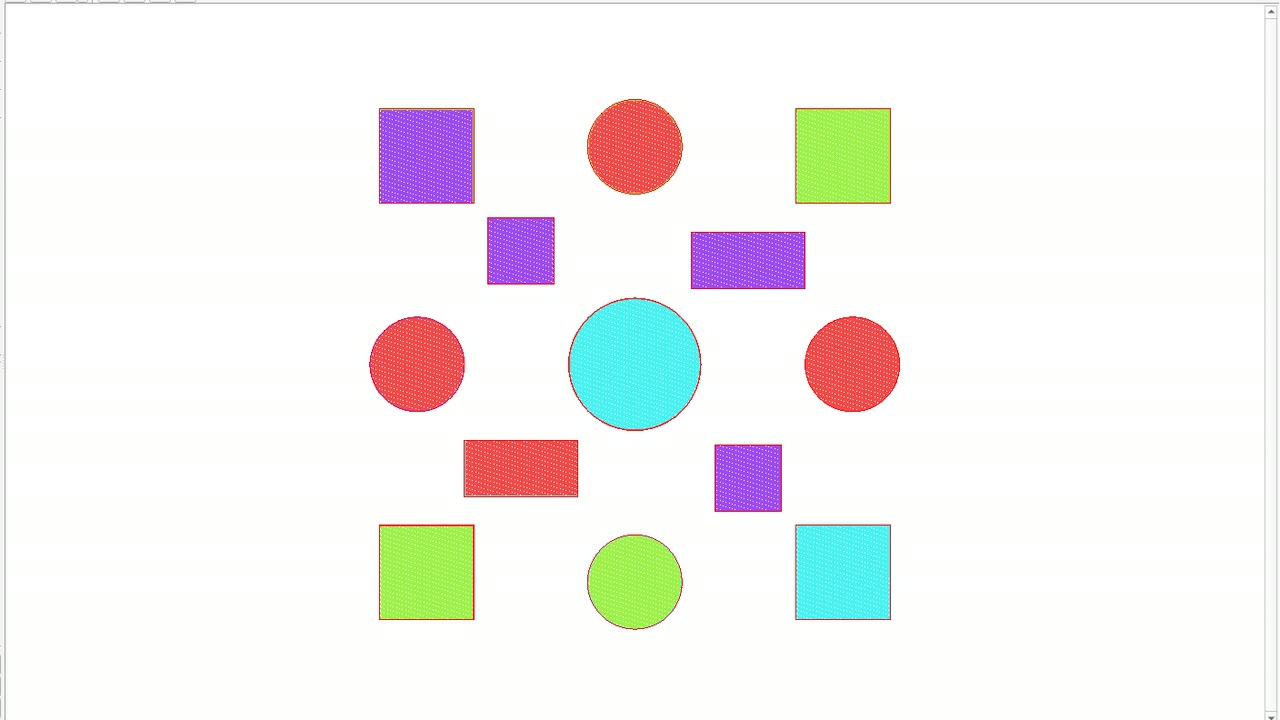
More than contours and hatching

The strategies production machines need, each with a tutorial you can follow in ATU.

All eighteen tutorials

From part to machine

The buildstyle sits between your design and your machine.

  1. Design and prepareModel, orient and support the part in Autodesk Fusion.
  2. Open LPBF BuildstyleContours, hatching, supports, ordering and laser powers in Advanced Toolpath Utility.
  3. ExportLSR, CLI+ or 3MF toolpath package for the build job.
  4. Machine controlRun the job on your machine, for example with the Autodesk Machine Control Framework.

Works with the ecosystem

Open formats and open tools that fit together.

Start building in minutes

Get the project, open it in Advanced Toolpath Utility and build your first part.