Open LPBF Buildstylefor Autodesk Fusion

Tutorials

Every feature of the buildstyle has its own page: a short video shows how to use it in Advanced Toolpath Utility (ATU), an interactive model explains what it does, and a code walkthrough shows how it is made.

Build part parameters

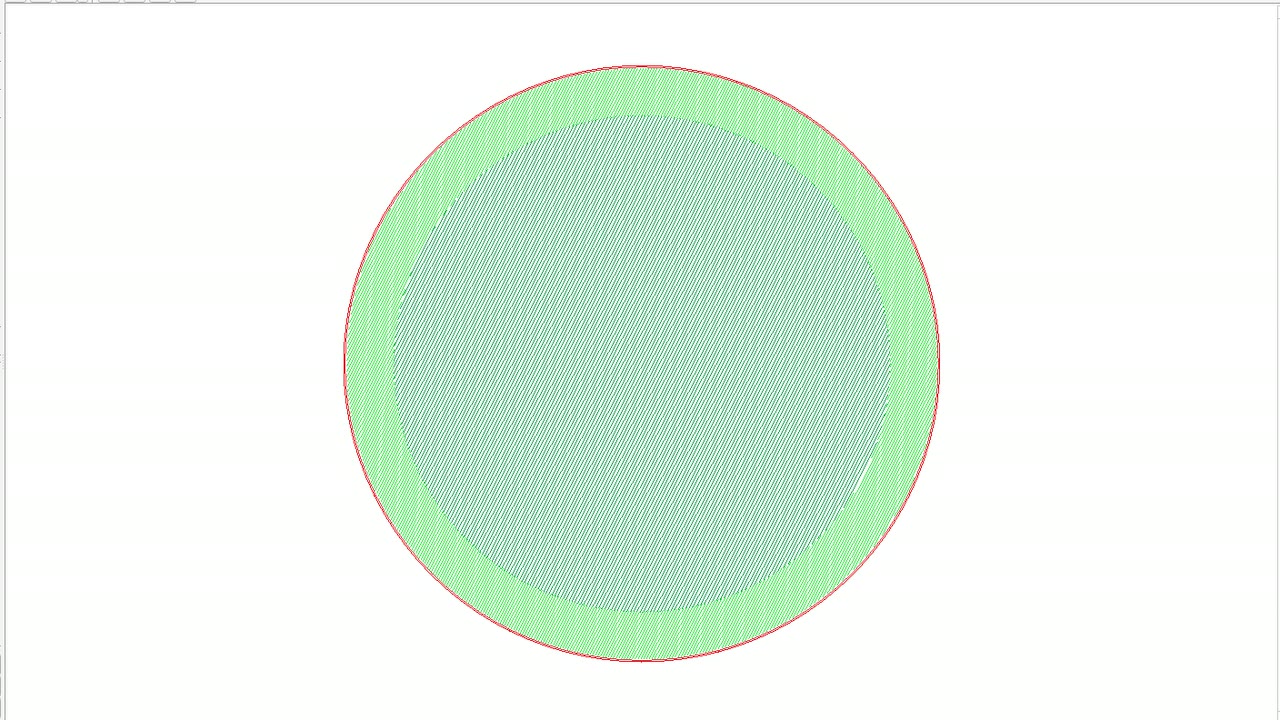
Hull ring around the darker core hatch in the ATU Exposure Preview
Hull and coreSplits the part volume into an outer hull and an inner core with its own hatching.
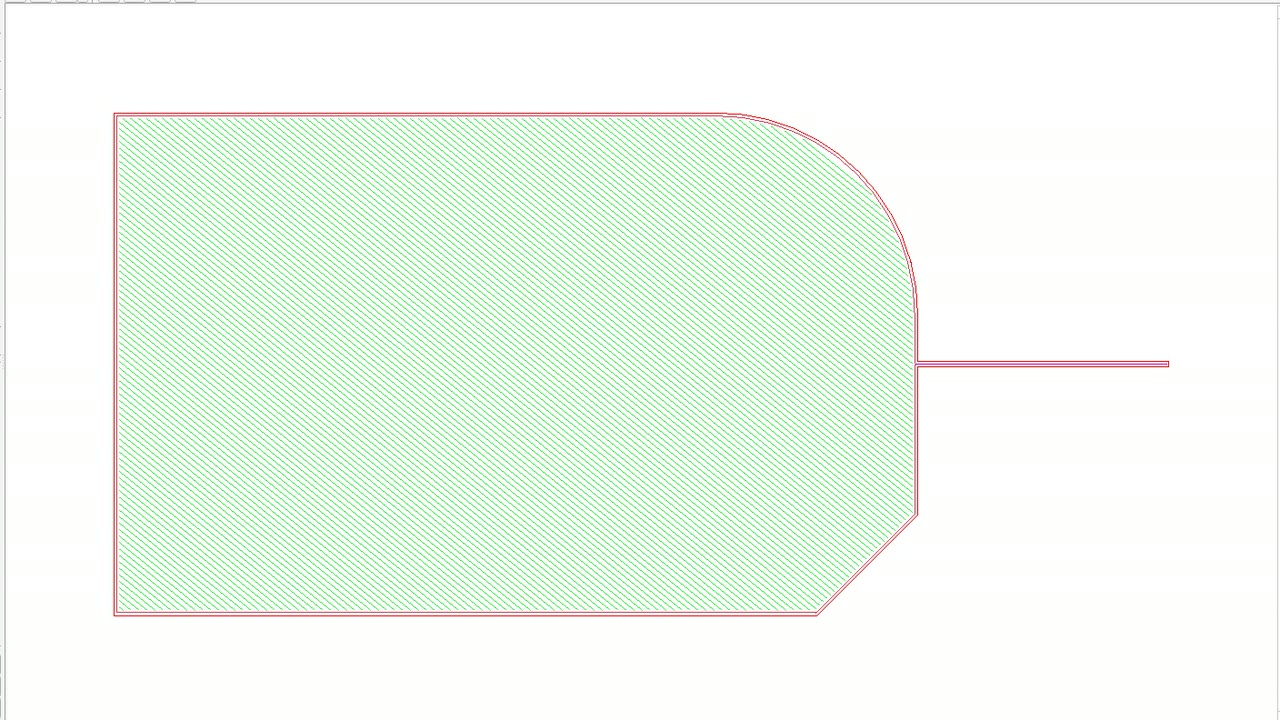
Border block with its first border in the ATU Exposure Preview
First border (beam compensation)Outermost contour of every island, shifted inwards by the beam compensation.
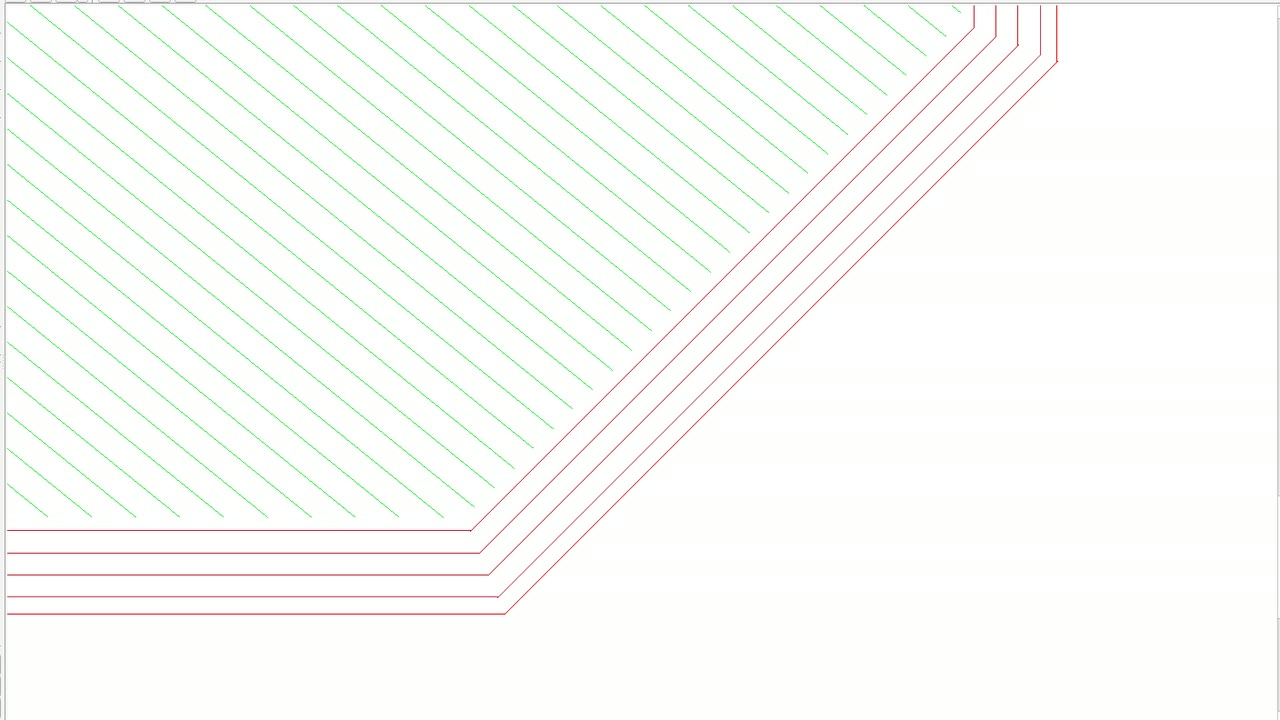
Chamfer of the contour plate with three following borders in the ATU Exposure Preview
Following bordersAdditional contours (2nd to N-th border) inside the first border.
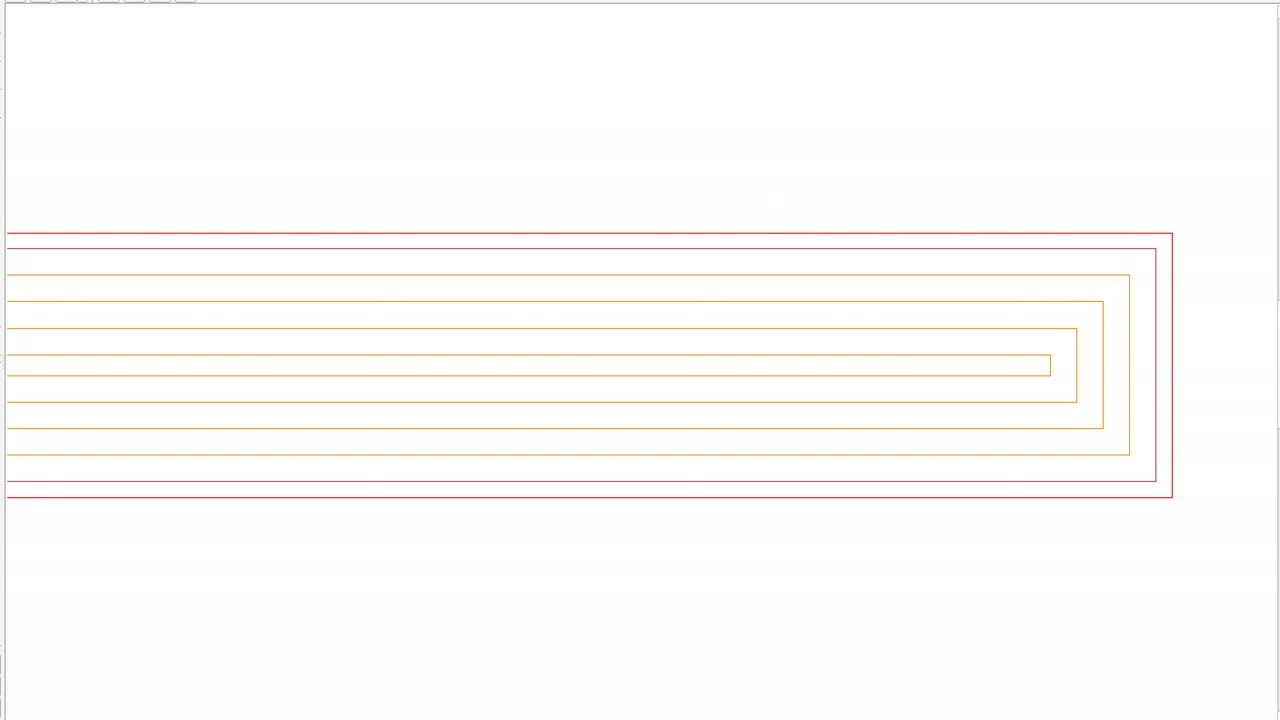
Thin tab filled with orange fill contours in the ATU Exposure Preview
Fill contoursContours between the borders and the hatching.
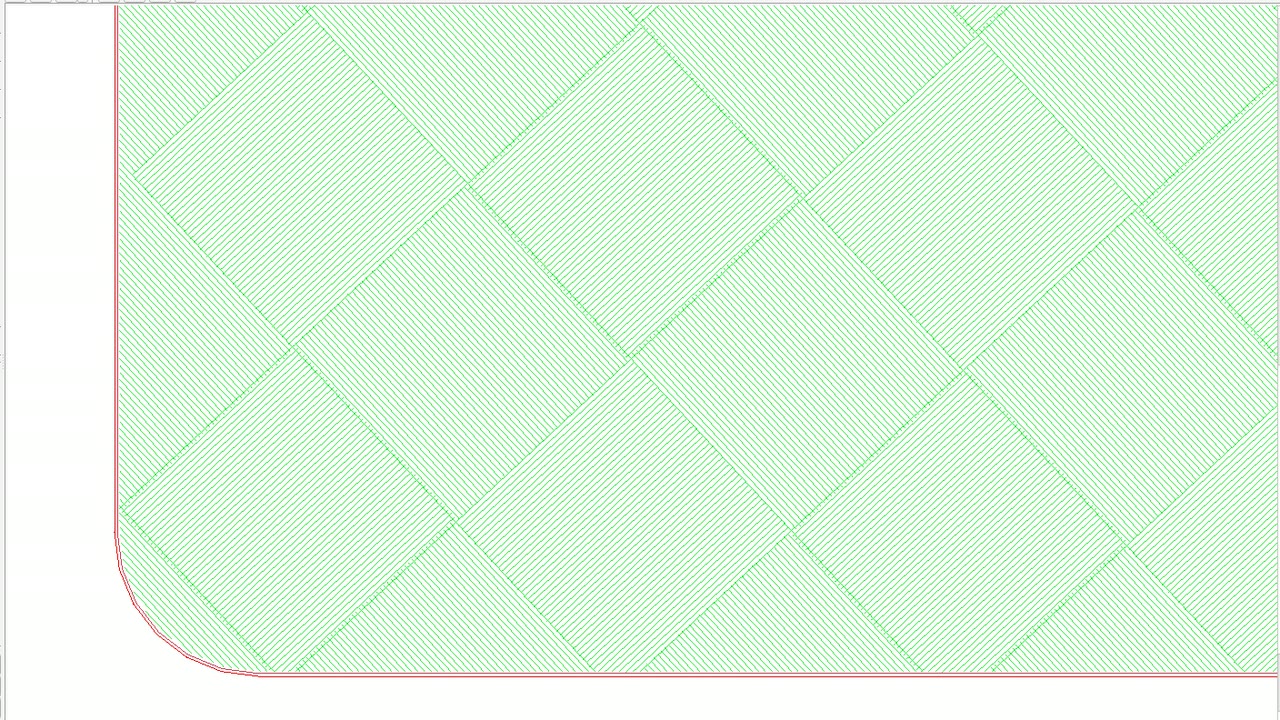
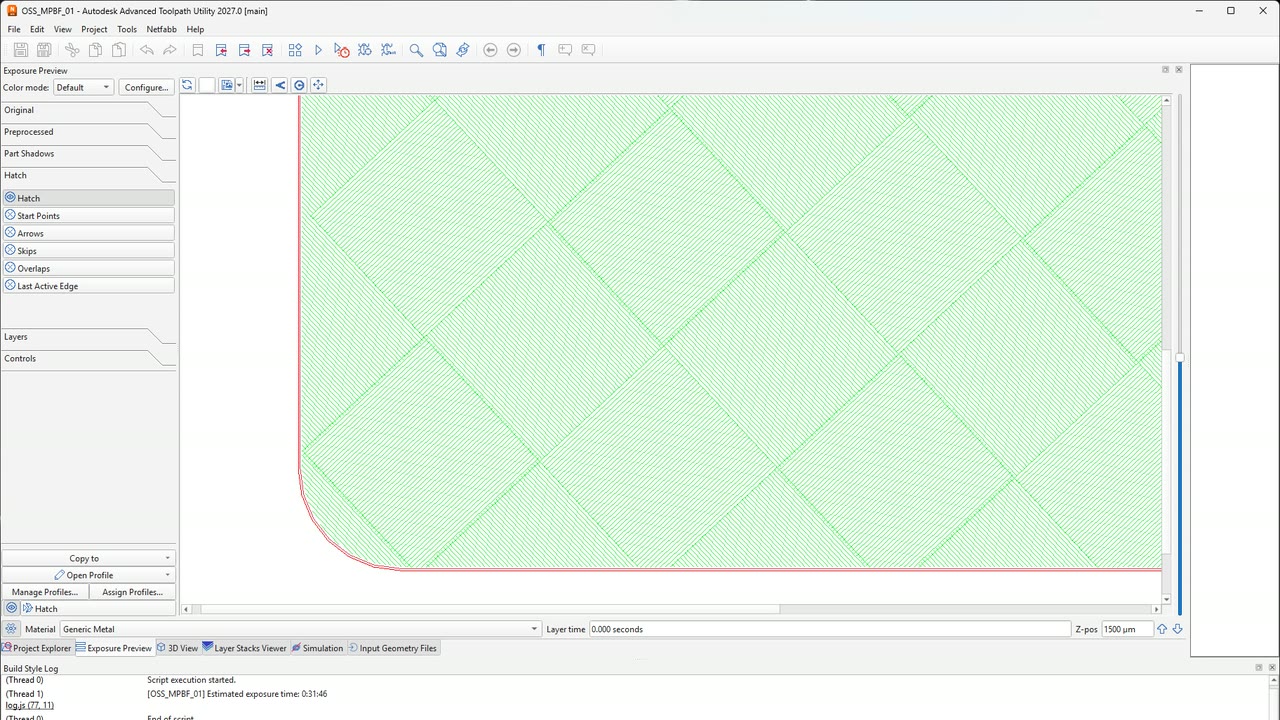
Chessboard hatch in the ATU Exposure Preview
HatchingHatching of the part volume: meander, stripe, chess, hexagon and offset patterns.
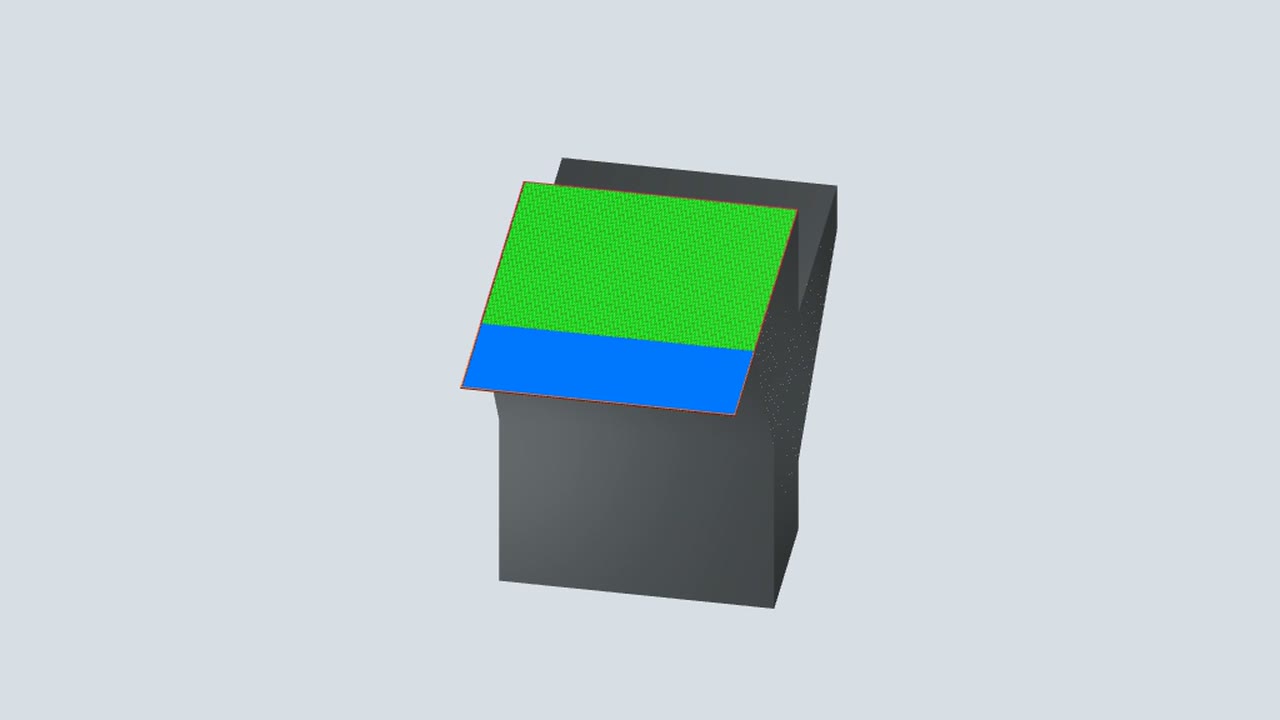
Downskin shelf in the ATU 3D view
Multi-layer overhang (downskin)Areas without enough solid material below are exposed with downskin settings.
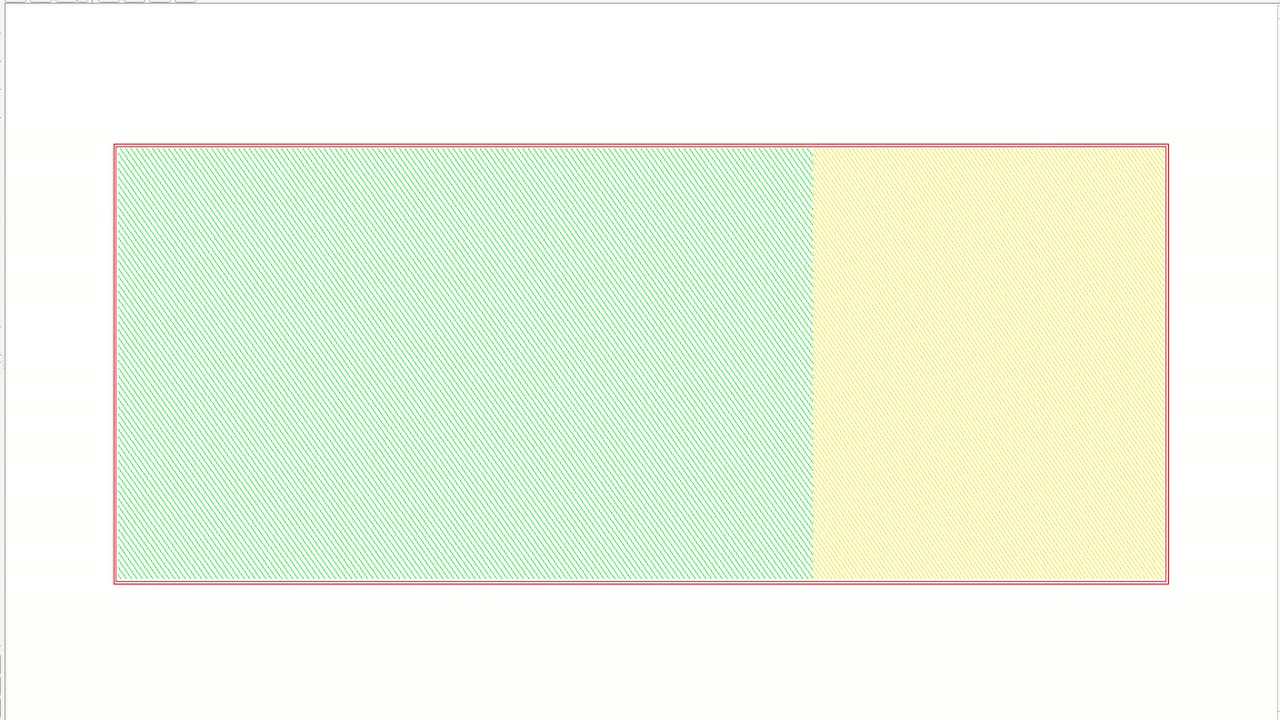
Yellow upskin hatch on the step block in the ATU Exposure Preview
Upskin (one layer)Areas that are not covered by the next layer are exposed with upskin settings.
Grey wall support lines in the ATU Exposure Preview
Wall supportsExposure of supports that consist of open lines.
Offset rings in a support pillar in the ATU Exposure Preview
Solid supportsExposure of supports that consist of areas.
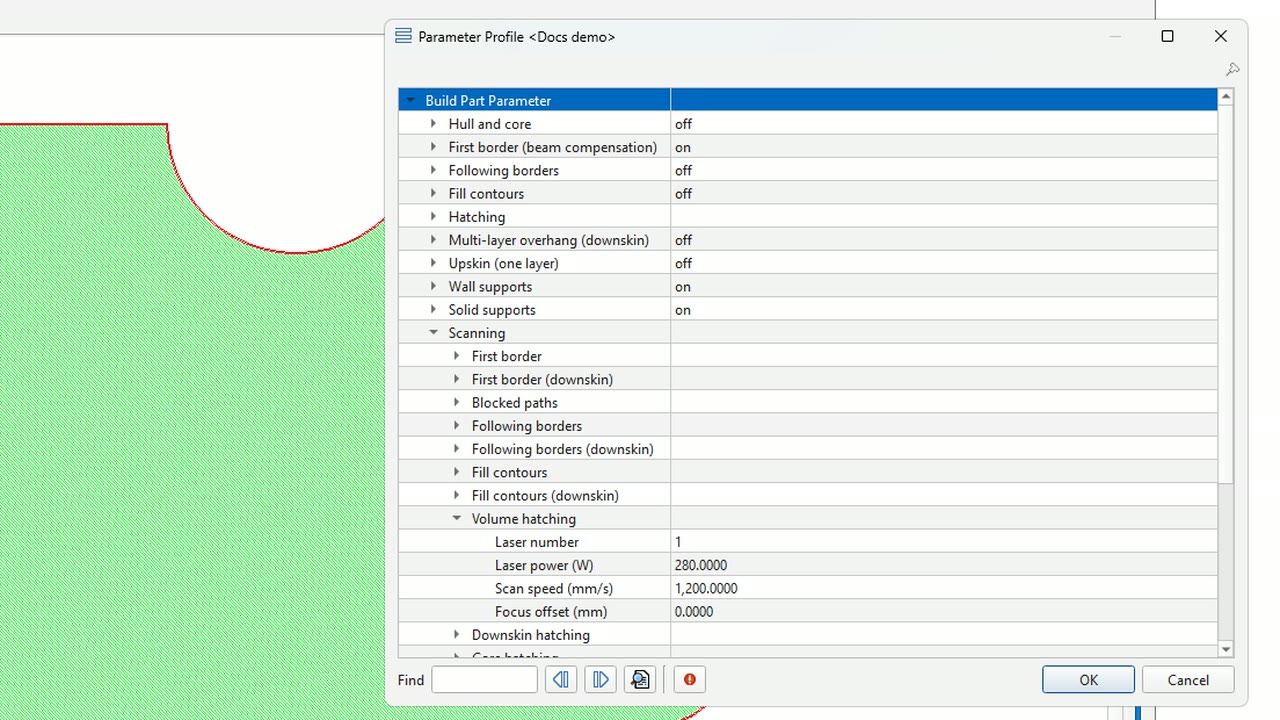
Scanning group of the parameter profile in ATU
ScanningLaser, power, speed and focus of every vector type.
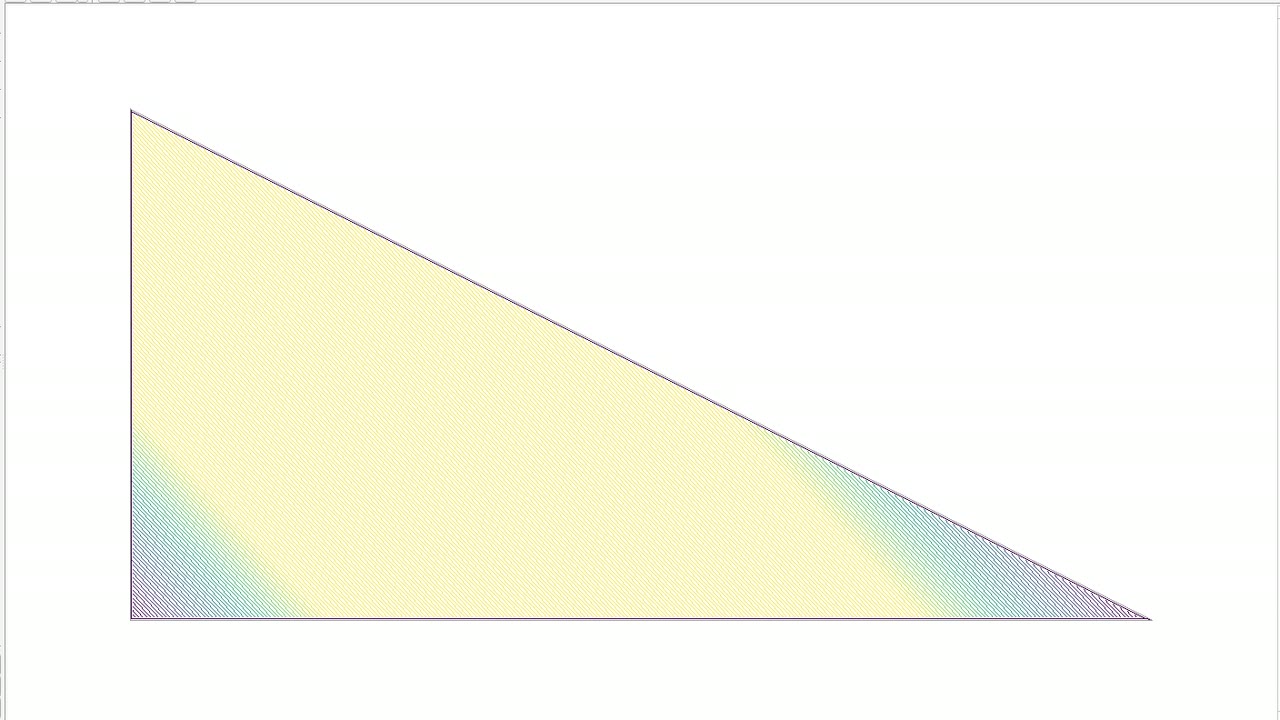
Triangle coloured by laser power in the ATU Exposure Preview, darker in the narrow corners
Power optimizationLower laser power for short hatch vectors, where the heat has no time to spread.
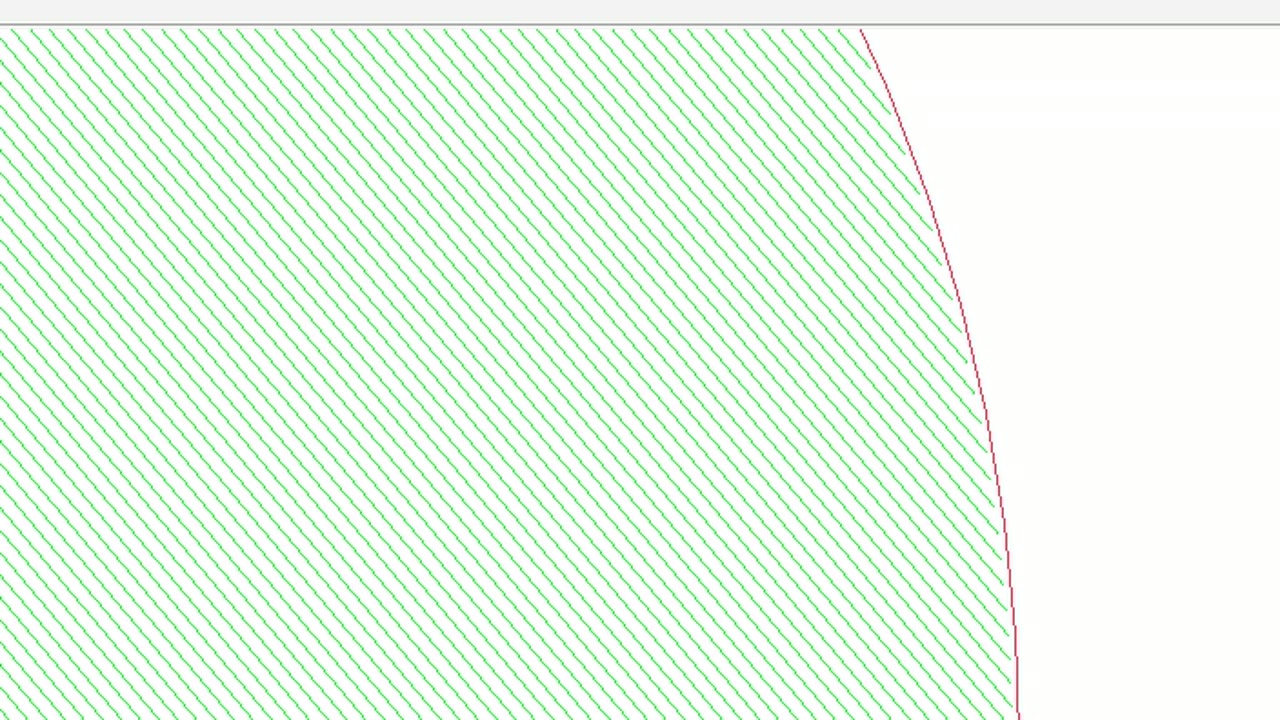
Dashed red border next to the green hatch in the ATU Exposure Preview
Contour optionsWhere every contour starts, and stippled (dashed) contours.
Volume hatch lines of one layer in the ATU Exposure Preview
Hatch rotation and limitation windowTurns the hatch from layer to layer and can keep the lines away from the gas flow direction.
Edge of the cylinder with its red first border in the ATU Exposure Preview
Layer skipExposes a contour, hatch or support type only on every n-th layer.

Platform parameters

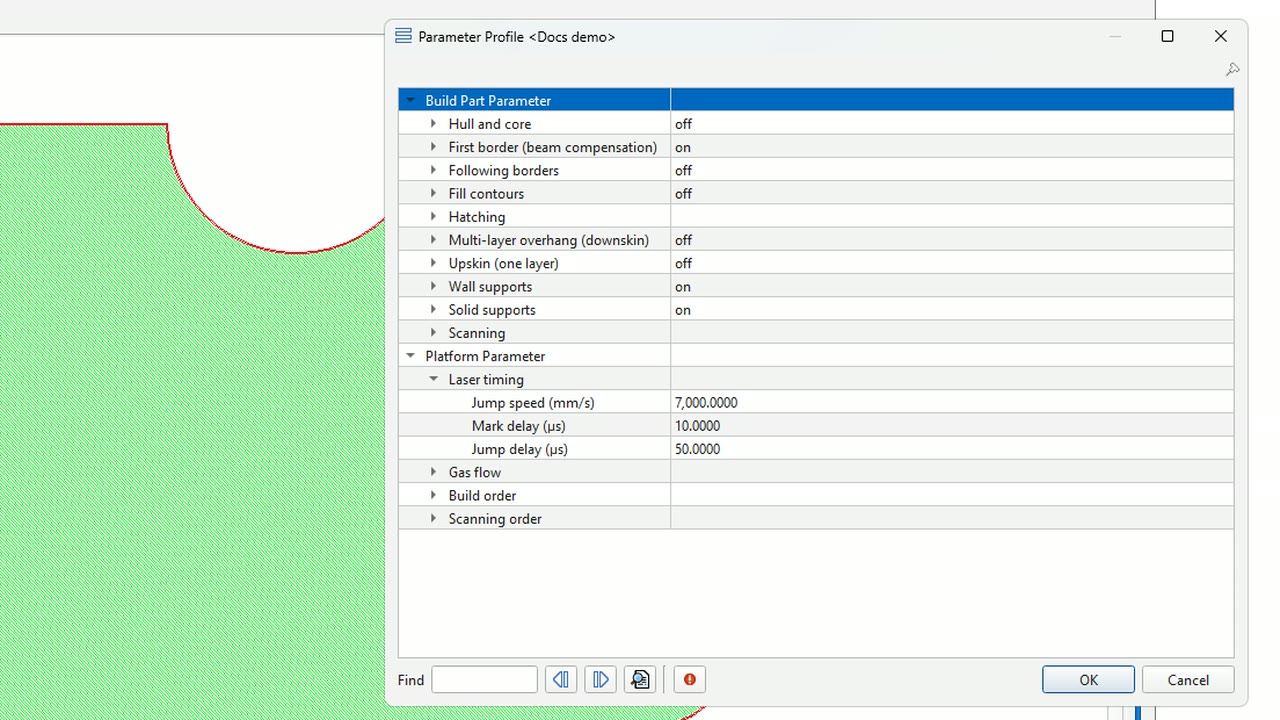
Laser timing group of the platform parameters in the ATU profile dialog
Laser timingJump speed and delays of the scanner, used for the time estimate, the LSR export and the power optimization.
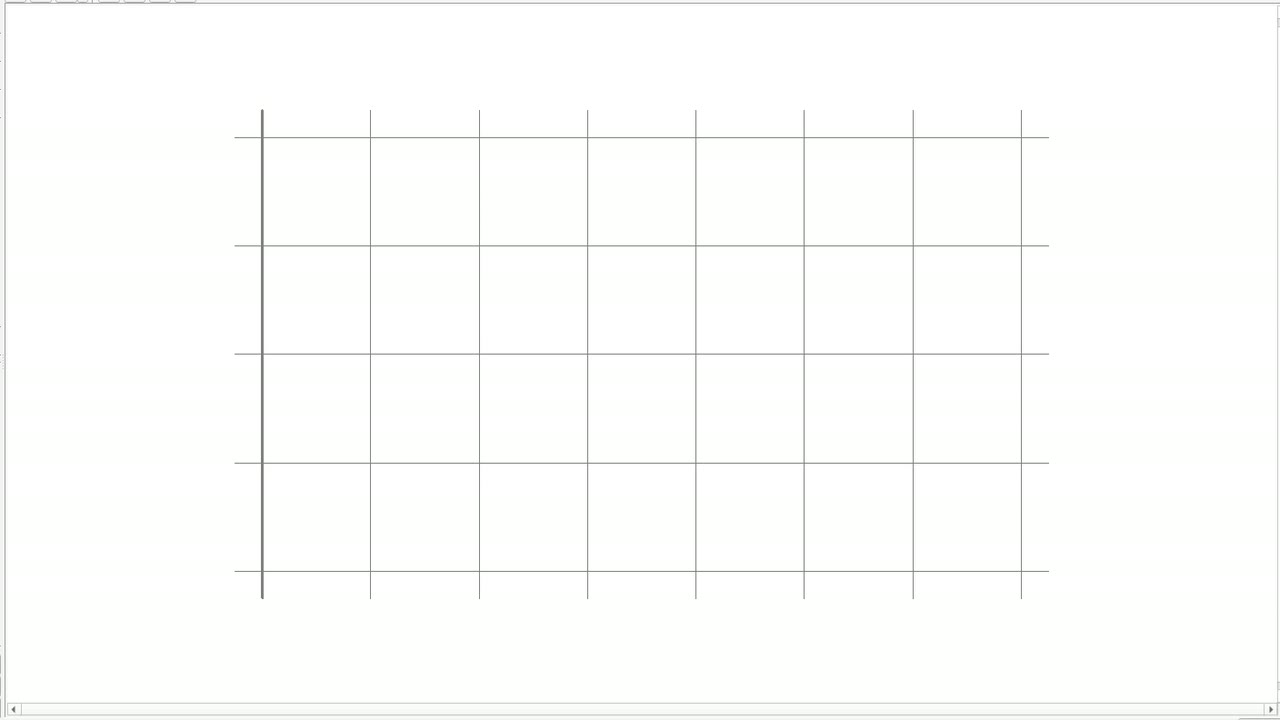
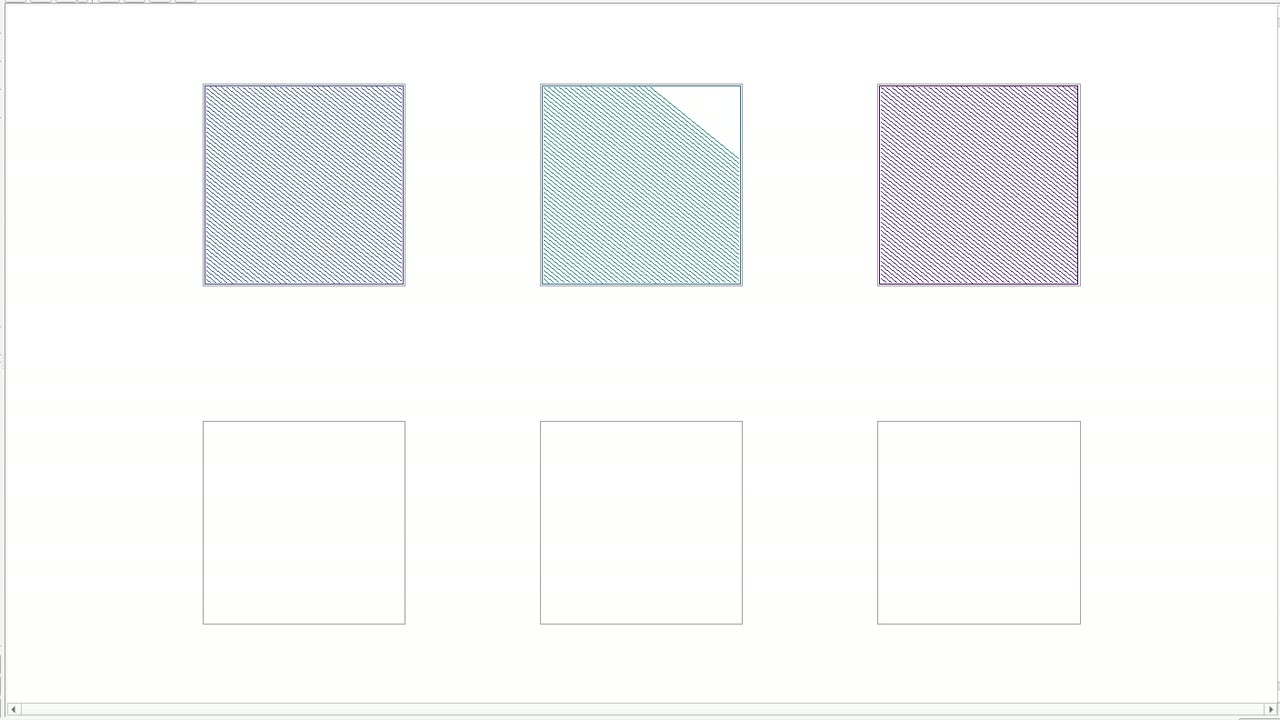
Island grid coloured by exposure order in the ATU Exposure Preview, half exposed
Build order, scanning order and gas flowOrder in which models, islands and vector types are exposed, downstream first.
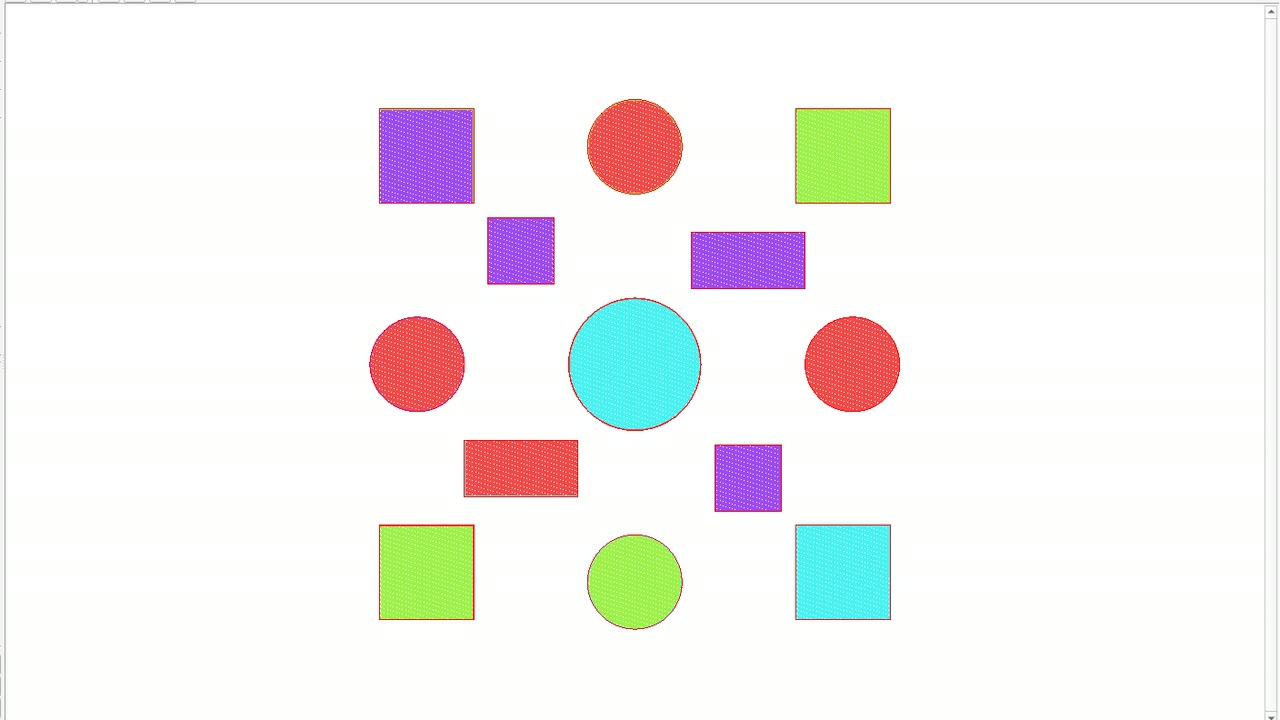
Thirteen parts in four laser colours in the ATU Exposure Preview
Multi-laserScanner array and load balancing: the parts of a layer are shared between the lasers so all lasers finish together.
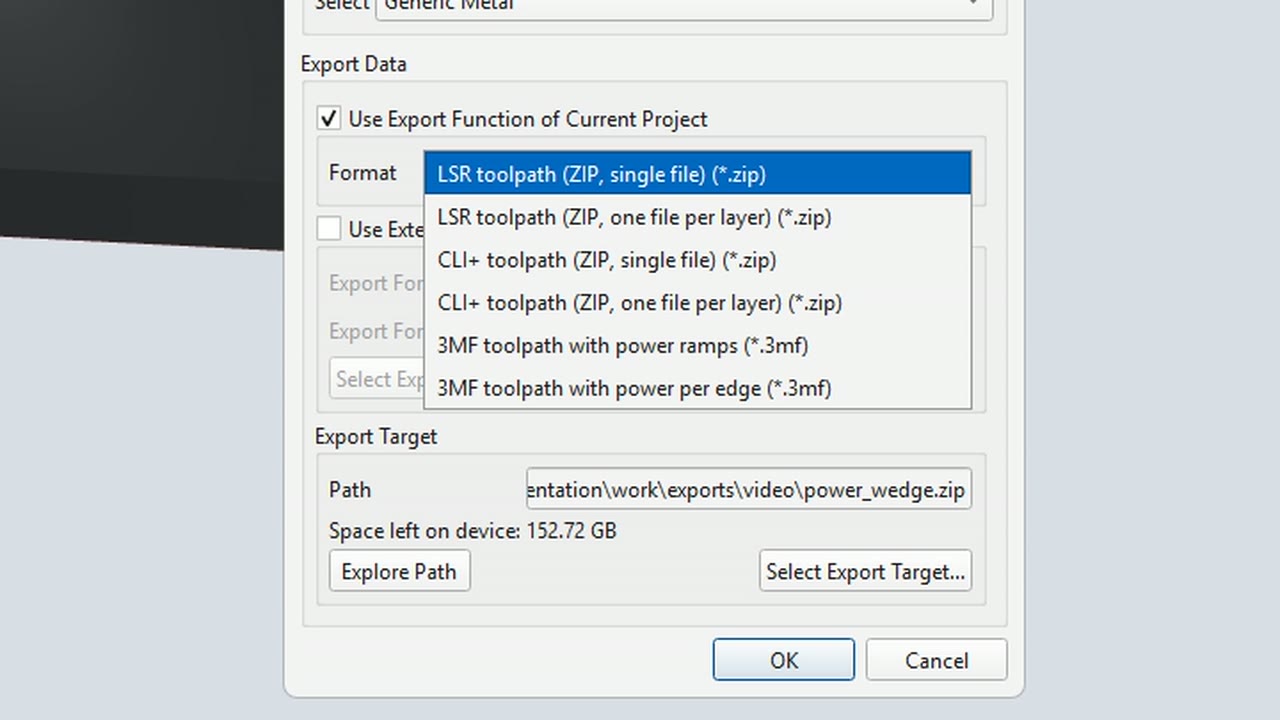
Format list of the ATU Execute dialog with the six export filters of the buildstyle
Export formatsLSR, CLI+ and 3MF toolpath packages for the machine, with parameters and build job image.